

We've all seen them on TikTok—photos coming to life and busting a move to the latest hits. From the "Dame Tu Cosita" alien to trending K-Pop challenges, dance videos drive the internet. Now, you can create your own AI Dance Videos easily with Fexi AI. It's fun, hilarious, and guaranteed to get engagement.
The Tech Behind the Moves
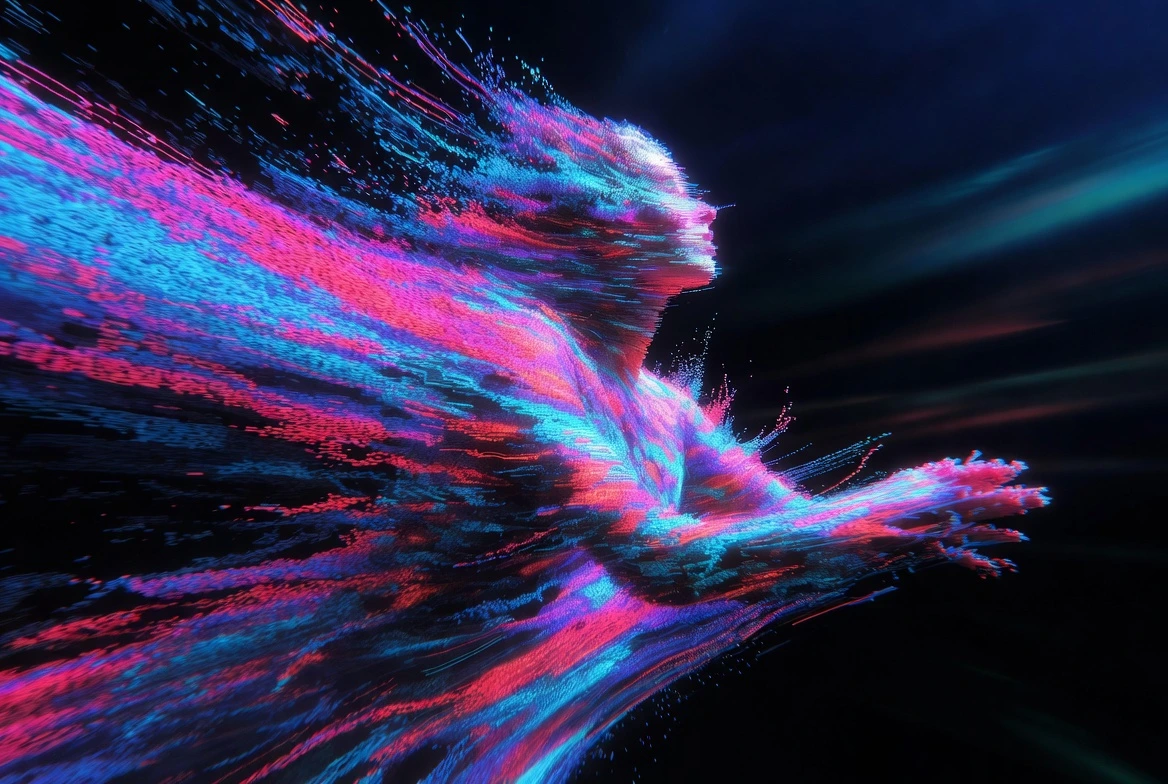
How does it work? It uses a technology called "Pose Transfer" or "Motion Retargeting." Our specialized "Dance" model maps the skeleton of the person in your photo (identifying joints like elbows, knees, hips) and retargets it to professional dance animations recorded by real dancers.
The result? Your serious passport photo is now doing the moonwalk, or your cat is doing a salsa (results may vary for pets, but it's always funny!). The AI fills in the missing information—like what the back of your shirt looks like when you turn around—using generative filling techniques.
Make Photos Dance
Create viral dance videos from any photo. Trending moves added daily.
Try Fexi NowTrend Alert: Why Dance Videos Go Viral
The juxtaposition of a static, perhaps serious image with energetic dance moves creates an immediate comedic effect. It's the "Uncanny Valley" turned into comedy gold.
- Meme Potential: Animating historical figures or famous paintings is a huge trend.
- Personal Greetings: Sending a video of yourself dancing to "Happy Birthday" is way more memorable than a text.
- Group Sync: You can even animate group photos to make everyone dance in sync!
How to Make a Photo Dance
Get your photos moving in just a few taps. No dancing skills required.
Step 1: Download Fexi AI
Get the app and get ready to boogie.
Step 2: Find the Dance Category
Go to the Use Cases or Fun tab and select "Dance".
Step 3: Choose a Move
Browse through our library of trending dances. From "Hip Hop" to "K-Pop" to "Silly Moves", pick one that fits the vibe. We update this list weekly with trending TikTok dances.
Step 4: Upload a Full-Body Photo
For the best results, use a photo where the person's full body is visible. The AI needs to see arms and legs to animate them correctly. Front-facing photos work best.
Step 5: Let's Dance!
Generate the video. Sync it with trending audio on your favorite social platform and watch the likes roll in.