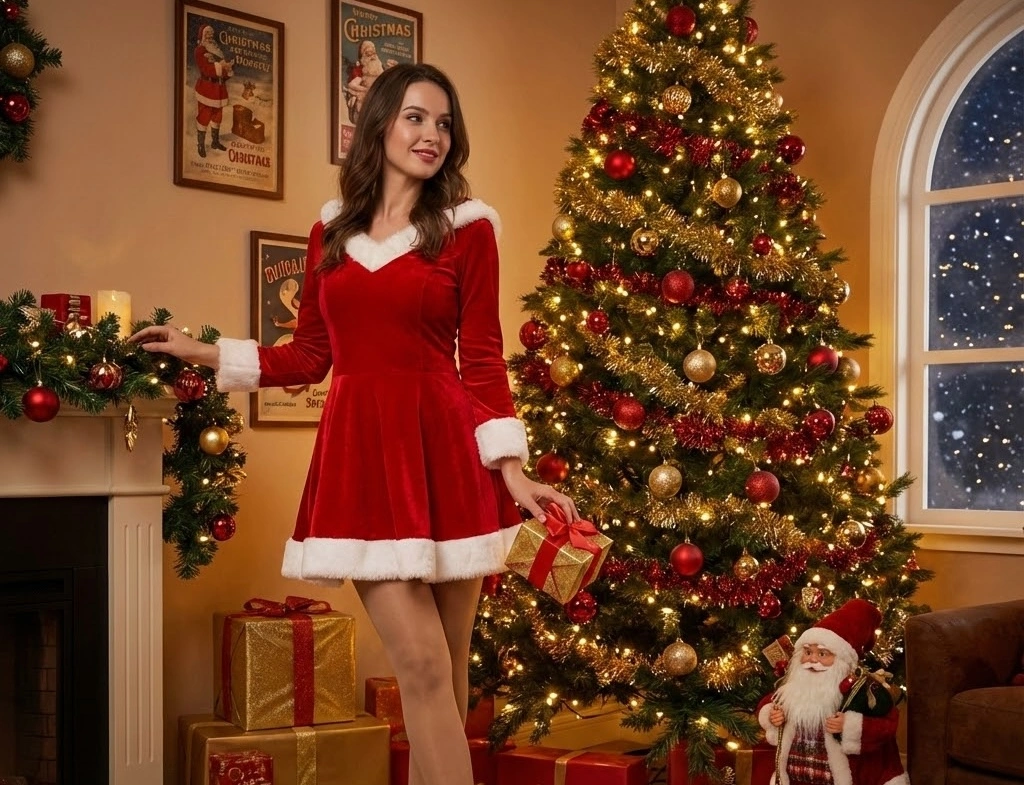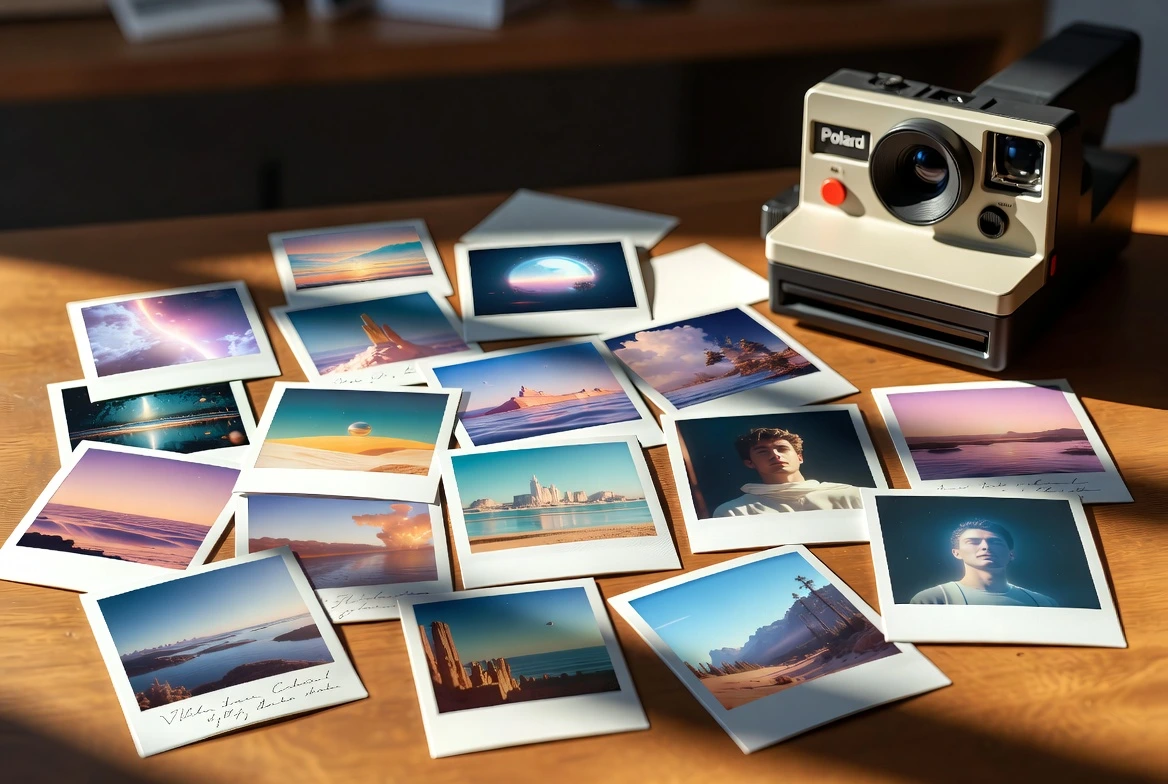


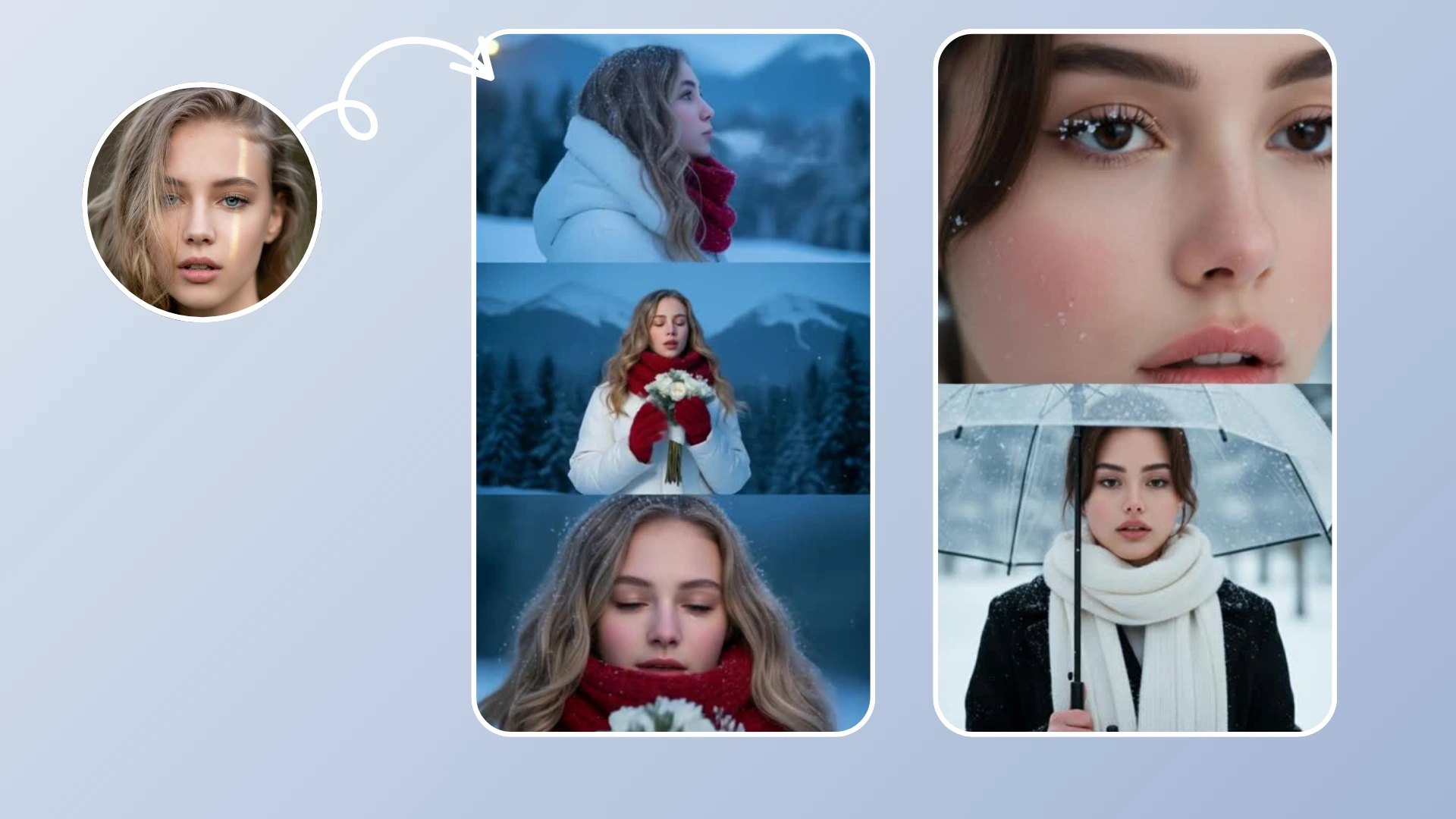
Winter brings a unique charm with its snowy landscapes, cozy vibes, and festive atmosphere. It's the season of "hygge," warm cocoa, and silent, snow-covered streets. But let's face it: not everyone lives in a winter wonderland, and even if you do, capturing the perfect snowy moment requires luck, timing, and often, freezing temperatures.
But you don't need to wait for a snowstorm to capture that magic. With Fexi AI's Winter Effects, you can instantly transform any photo into a breathtaking winter scene. Whether you want to turn a sunny beach photo into a surreal frozen landscape or add a gentle, romantic snowfall to a couple's portrait, AI makes it possible in seconds.
The Psychology of Winter Aesthetics
Why are we so drawn to winter aesthetics? Psychologically, winter imagery evokes feelings of calmness, silence, and nostalgia. The "Cozy Winter" trend on TikTok and Instagram gains billions of views every year because it offers a visual escape. By adding these elements to your content, you're tapping into a powerful emotional trigger that boosts engagement and shareability.
The Magic of AI Snow Effects
Imagine turning a sunny street photo into a snowy paradise or adding gentle snowflakes falling around a portrait. Our advanced AI algorithms analyze the depth and structure of your image to apply realistic snow layers, frost effects, and winter lighting. Whether it's a "Snow Globe" effect or a subtle "Frosty Morning" look, the results are cinematically stunning.
These effects are perfect for holiday greetings, social media posts during the festive season, or simply giving your feed a cool, aesthetic makeover. The AI understands the geometry of your scene, ensuring that snow piles up on rooftops, trees, and even your shoulders realistically, rather than just overlaying a simple 2D filter.
One-Click Winter AI Videos
Fexi includes dedicated Winter effects with authentic aesthetics. No manual editing required.
Try Fexi NowTypes of Winter Effects & When to Use Them
Fexi AI offers a variety of winter-themed effects, and choosing the right one is key to a believable result:
- Heavy Snowfall (Blizzard): Best for landscapes and urban shots. It adds drama and movement, transforming a plain street into a cinematic movie scene.
- Frosty Window: Adds a cozy, indoor feel as if looking through a frozen pane of glass. Perfect for photos taken inside cafes or homes.
- Soft Flurries: Ideal for portraits. It adds a romantic, gentle touch without obscuring the subject's face.
- Christmas Lights & Bokeh: Combines snow with twinkling holiday lights. Use this for night shots to maximize the contrast between the dark background and the glowing lights.
Pro Tip: Lighting Matters
"Snow reflects light. For the most realistic AI transformation, choose photos with cool lighting or overcast skies. Avoid harsh, direct yellow sunlight, as it conflicts with the winter mood."
How to Create Your Winter Video
Ready to freeze time? Here is your step-by-step guide to creating viral winter content.
Step 1: Download Fexi AI
If you haven't already, download Fexi AI from the App Store or Google Play. It's free to start and offers a wide range of seasonal effects.
Step 2: Select the Winter Effect
Open the app and navigate to the Effects tab. Search for "Winter" or browse the "Seasonal" category to find effects like Snowfall, Winter Wonderland, or Cozy Cabin.
Step 3: Upload Your Photo
Choose a photo from your gallery. Pro Tip: Photos with depth (foreground, middle ground, background) look best because the AI can place snow layers between these planes.
Step 4: Generate & Download
Tap "Generate" and watch as AI transforms your static image into a dynamic winter video. The process takes only a few seconds. Once done, hit the download button to save it to your device in high quality (1080p).
Step 5: Share the Magic
Share your creation on Instagram Reels, TikTok, or send it as a digital holiday card to friends and family! Use trending audio to boost reach.