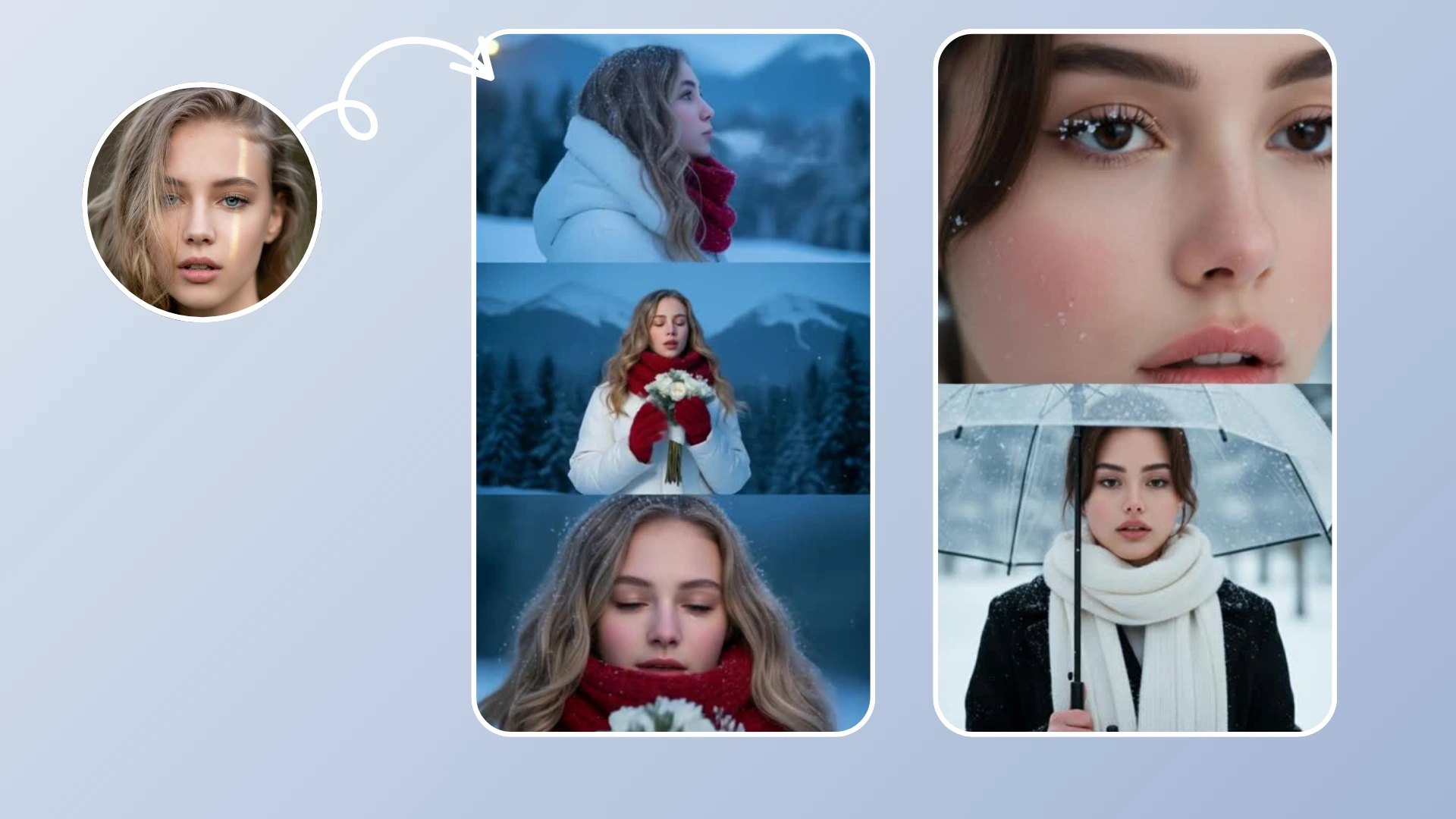


Cinematic video creation was once the domain of professional studios with million-dollar budgets, massive crews, and weeks of post-production. With OpenAI's Sora 2, now available in Fexi AI, that power is in your pocket. Sora 2 is renowned for its incredible adherence to prompts and its ability to create complex, multi-character scenes with cinematic fidelity.
The Director's Chair: Controlling the AI
Sora 2 doesn't just animate; it directs. It understands film terminology. When you ask for a "Dolly Zoom" or a "Rack Focus," Sora 2 knows exactly what that means visually. This gives creators unprecedented control.
Whether you want a drone shot of a landscape, a dolly zoom (vertigo effect) on a subject's face, or a close-up emotional reaction, Sora 2 delivers with frightening realism. It handles complex textures like skin, fabric, and water better than any model before it.
"Sora 2 blurs the line between reality and AI generation, offering creators unprecedented control over their visual storytelling."
Create Cinematic Videos
Use OpenAI's Sora 2 directly in Fexi AI. Hollywood quality in your pocket.
Try Fexi NowUse Cases for Creators
How can you use Sora 2 in your workflow?
- B-Roll Footage: Need a shot of "coffee being poured in a cafe" for your vlog but forgot to film it? Sora 2 can generate it in seconds.
- Music Videos: Create surreal, dreamlike sequences that would be impossible to film in real life.
- Storyboarding: Directors use Sora 2 to visualize scenes before shooting them with real cameras.
Creating Cinema with Sora 2
Step 1: Launch Fexi AI
Open the app and tap on the "AI Models" section.
Step 2: Choose Sora 2
Select Sora 2 from the list of available premium models. Note that this is a high-performance model.
Step 3: Set the Scene
Upload your photo. For Sora 2, prompts are powerful. Describe the movement you want using cinematic terms: "Camera zooms in slowly, cinematic lighting, dust particles in the air, depth of field."
Step 4: Generate
Hit the generate button. Sora 2 requires significant computing power, so sit back while our cloud servers render your video. It might take a minute, but quality takes time.
Step 5: Show the World
Download your video. It's ready for the big screen (or your phone screen)!